 ASF
ASF 
Android Security
Framework.
By
 Jutt Cyber Tech™
A professional Windows-based security research platform for Android device auditing, forensic analysis, and authorized penetration testing. Built exclusively for certified security professionals.
Core Capabilities
A professional Android security auditing platform for authorized penetration testing and forensic research.
Live Audit Dashboard
Real-time monitoring panel showing active audit sessions, network diagnostics, latency metrics, and a full event log of all connected test devices.
Security Agent Builder
Generate custom Android security agent APKs with configurable server endpoints, app identity, and package configuration for authorized test deployments.
Remote Agent Deployment
Deploy security agents to authorized test devices via USB, wireless ADB debugging, or QR-based installation for controlled environment testing.
Camera Forensics
Remotely audit camera access on authorized test devices to assess visual data exposure risks and evaluate camera permission vulnerabilities.
Location Forensics
Retrieve and map GPS location data from authorized test devices to assess location data exposure and evaluate geolocation security risks.
Storage Forensics
Remotely inspect the file system of authorized test devices to identify sensitive data exposure, insecure storage practices, and access control weaknesses.
How It Works
Deploy ASF in your authorized test environment in 3 steps.
Generate Security Agent
Use the Agent Builder to create a custom Android security agent configured for your authorized test environment.
Deploy to Test Device
Install the agent on your authorized test device via USB, wireless ADB, or QR code. The device registers with your ASF server.
Begin Security Audit
Conduct a full forensic audit — inspect SMS, call logs, contacts, storage, camera, and GPS data exposure from the ASF dashboard.
Always Up To Date
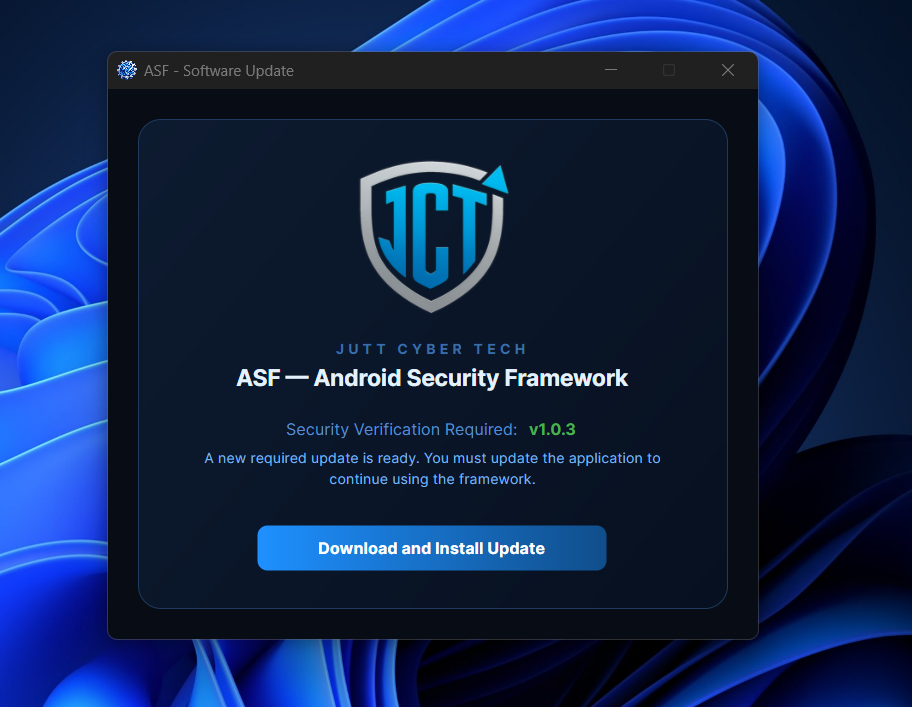
ASF notifies you the moment a new version is available — directly inside the dashboard. Every update brings bug fixes, stability improvements, and new forensic capabilities.
Internet Required
ASF requires an active internet connection to start. Without internet, the dashboard cannot verify your license, check for updates, or establish the WebSocket server endpoint. Make sure you are connected before launching.
If ASF shows this error, check your internet connection, disable any VPN or firewall that may be blocking the connection, then relaunch the dashboard.
Run With Full Privileges
ASF requires elevated permissions to operate its forensic engine. On Windows, always launch as Administrator. On Linux, prefix with sudo — otherwise the dashboard will show a permission error and refuse to start.
sudo asf in your terminal to grant the required system access.
If you see this error, close ASF completely and relaunch it with administrator or sudo privileges. The forensic engine cannot bind to system ports or access ADB without elevated permissions.
First Build Takes 7–10 Minutes
The very first time you build a security agent APK, ASF compiles and packages everything from scratch — this can take 7 to 10 minutes depending on your system hardware. Don't worry, this is completely normal. Every build after that takes only 2 to 4 minutes as the build cache is already in place.
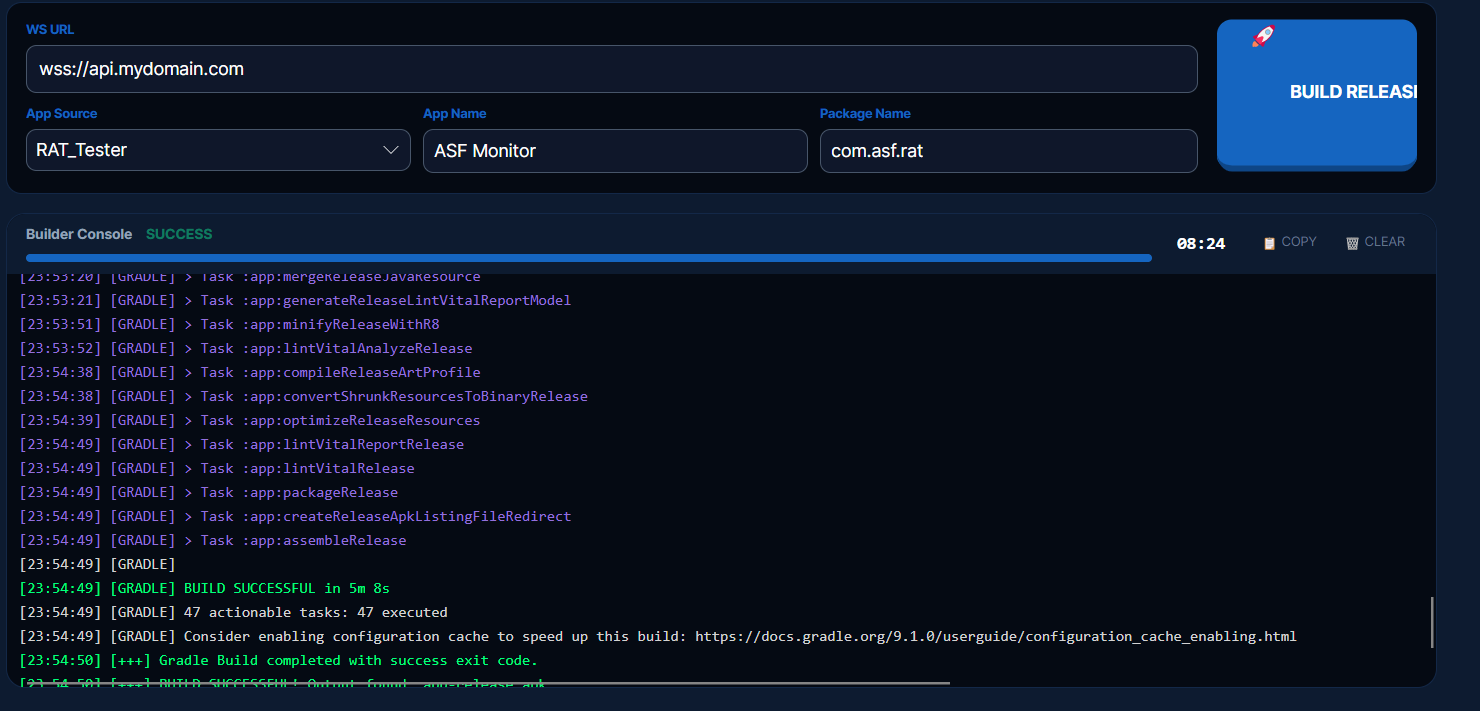
Do not close ASF during the build process. The first build only happens once — after that, agent generation is fast and seamless every time.